The party trick that takes two minutes to set up
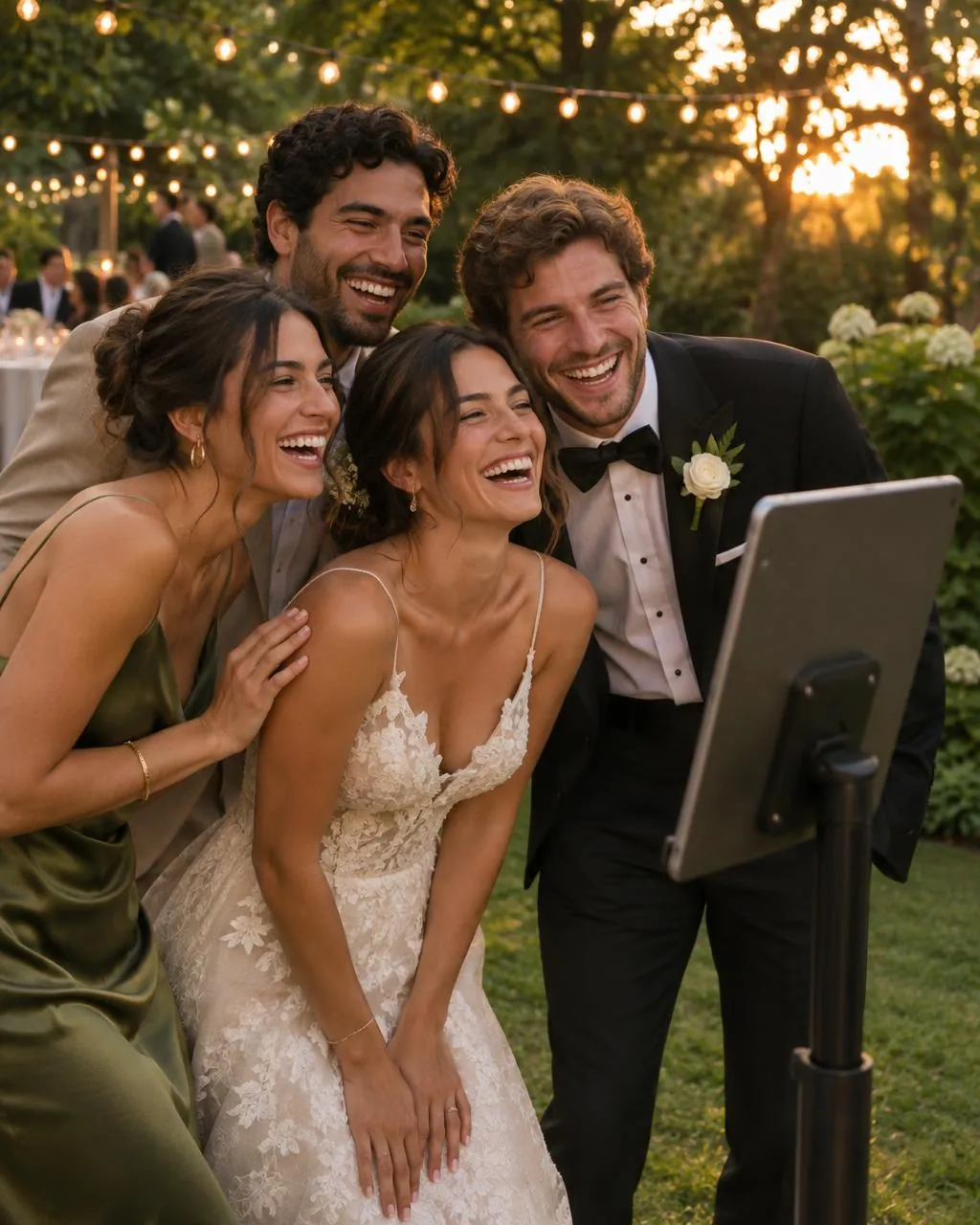
Prop a tablet on a shelf, pick a loud template and watch a queue form.
No credit card · First 15 captures free

Templates with the name and the number
Thirty, Sweet Sixteen or “Leo is 7” — your words on every picture.
GIFs and video messages
Boomerangs for the dance floor, and video messages with sound that are worth keeping.
Everyone gets their picture
A QR code on the screen opens the photo on the guest's own phone.
Free to try at the next one
A trial event gives you 15 captures to see how it goes.
Cartoon everybody
AI Magic redraws a photo as a cartoon, a painting or a pop-art poster.
How it goes
Create the party
Name it, pick templates, type the birthday line.
Open the booth
Enter the code on any phone or tablet and stand it somewhere busy.
Share the gallery
Send one link the day after — all the pictures are there.
Designs that suit it
See all templatesQuestions
Does it work on a phone?+
Yes. A tablet is easier for groups, but any iPhone or Android phone runs the same booth.
Is it safe for a children's party?+
Pictures go to your event's gallery only. You decide whether the gallery link is shared, and you can delete any capture.
Do I need a printer?+
No. Most guests want the picture on their phone. If you have a printer the tablet can see, prints work too.