
Everything looks better at half speed
Three seconds of throwing, jumping or twirling come back as a six-second clip — framed by your theme and ready to share.
No credit card · First 15 captures free

Three seconds in, six seconds out
The booth records a short burst and plays it back at half speed. Short enough to queue for, long enough to post.
The best frames your camera has
The clip is recorded at the highest frame rate the device offers, so a newer phone or tablet gives a smoother result.
Dressed like everything else
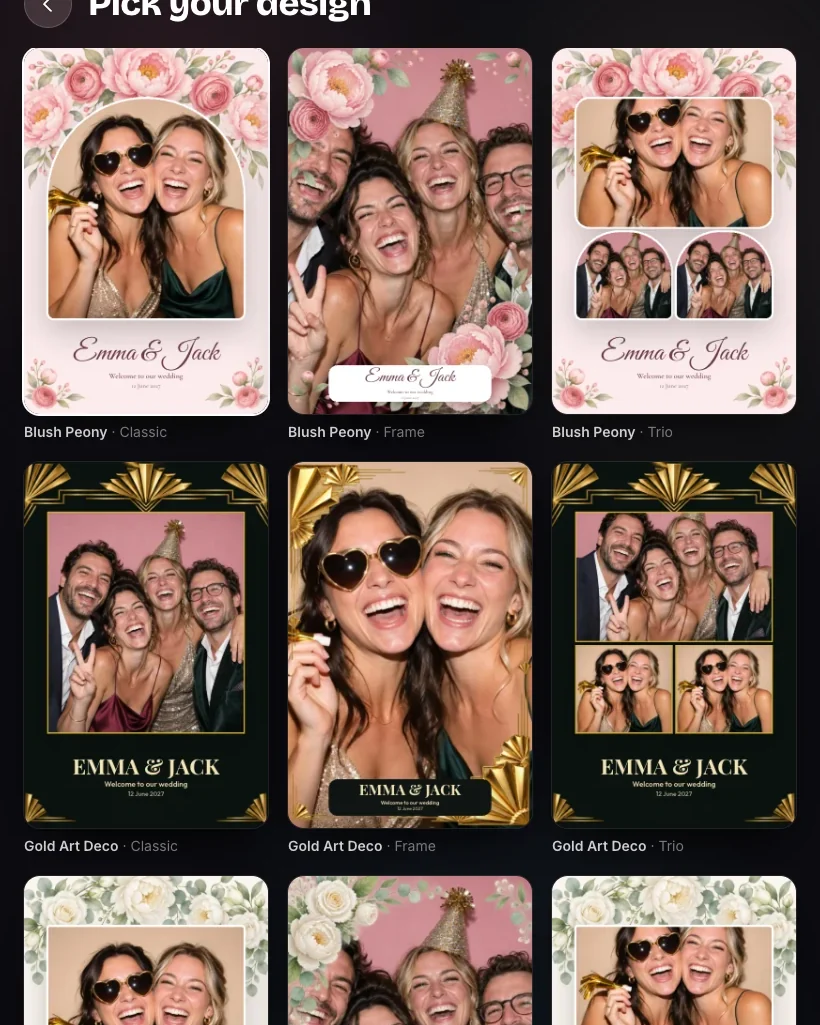
Your theme's frame and your title are on the clip, just as they are on photos and strips.
Shared in seconds
The QR code appears as soon as the clip is ready, and it uploads by itself — even if the connection only comes back later.
How it goes
Switch it on
Slow motion is one of the capture modes of an event. Tick it in your panel.
Give guests something to move
Confetti, bubbles, a scarf, a jump. A sign with one sentence is enough.
Tap, count down, go
The booth counts down, records for three seconds and prepares the clip.
Questions
Is there sound?+
No. Slow-motion clips are silent; for voices there is the video message mode.
Does it need a special camera?+
No. It works on current iPads, iPhones and Android devices. How smooth it looks depends on the frame rate the device's camera offers.
How long does a guest wait?+
A few seconds while the clip is prepared — in the browser about as long as the clip itself — and then the QR code is on the screen.
More ways to use SwanBooth


Throw something and see
A free trial event includes slow motion. Switch it on and try it on your phone.
Try it free