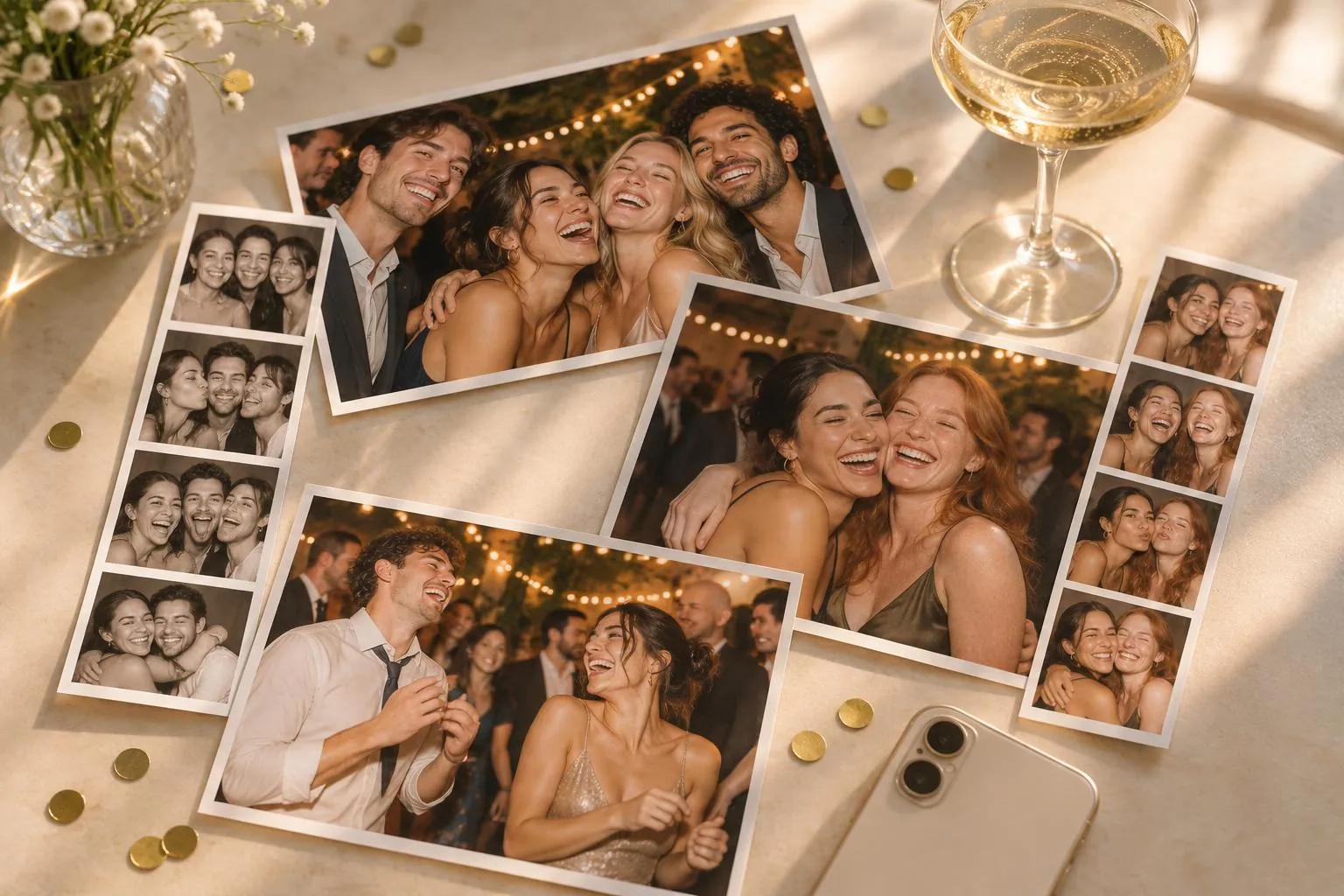
From the booth to their phone in five seconds
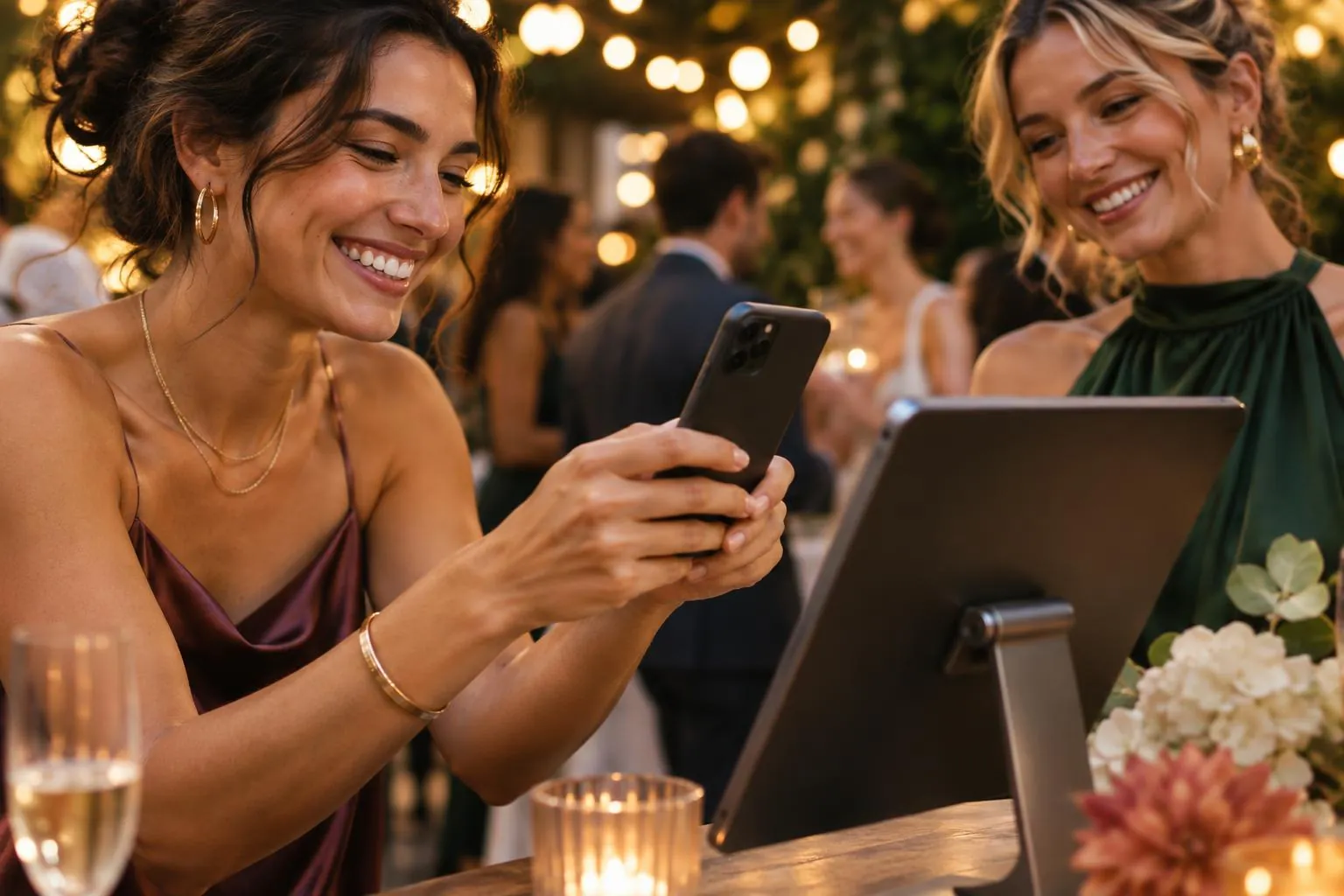
No app for guests, no typing a link. Scan, see, share.
No credit card · First 15 captures free
A QR code on every result
It opens that picture's own page on the guest's phone, ready to save or share.
E-mail when they prefer
Guests type their address at the booth and the photo arrives in their inbox.
One gallery per event
Every capture in one place, with a link you can share — or keep to yourself.
Yours to manage
Hide or delete any capture, download everything as a ZIP, export the e-mail list as a CSV.
How it goes
Capture
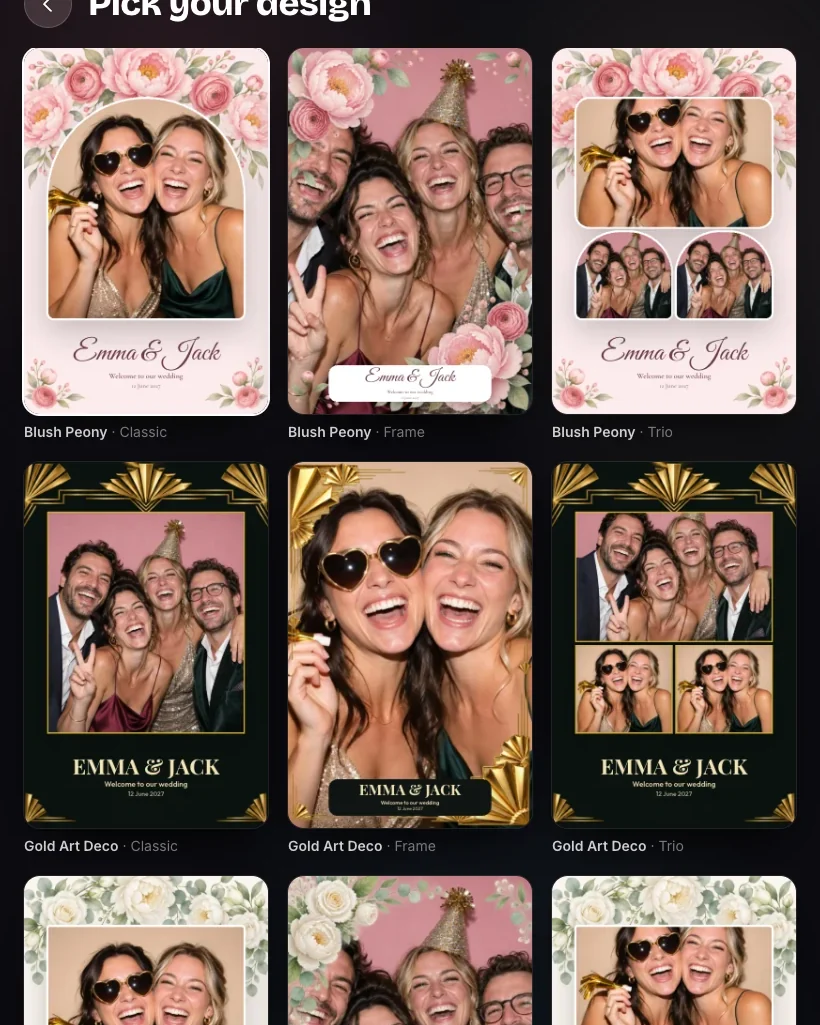
The picture is composed with your theme on the device.
Scan
The guest points their camera at the QR code.
Share
The picture's page has save and share buttons for every app on their phone.
Questions
How long do guest links work?+
24 hours on a free trial event, a year on a paid event, and longer if you add gallery years.
Can I switch the public gallery off?+
Yes. Guests still get their own picture; the page with everybody's captures is your choice.
Do guests need an account?+
No. Not to take a picture, and not to open it.