
The software for your 360 platform
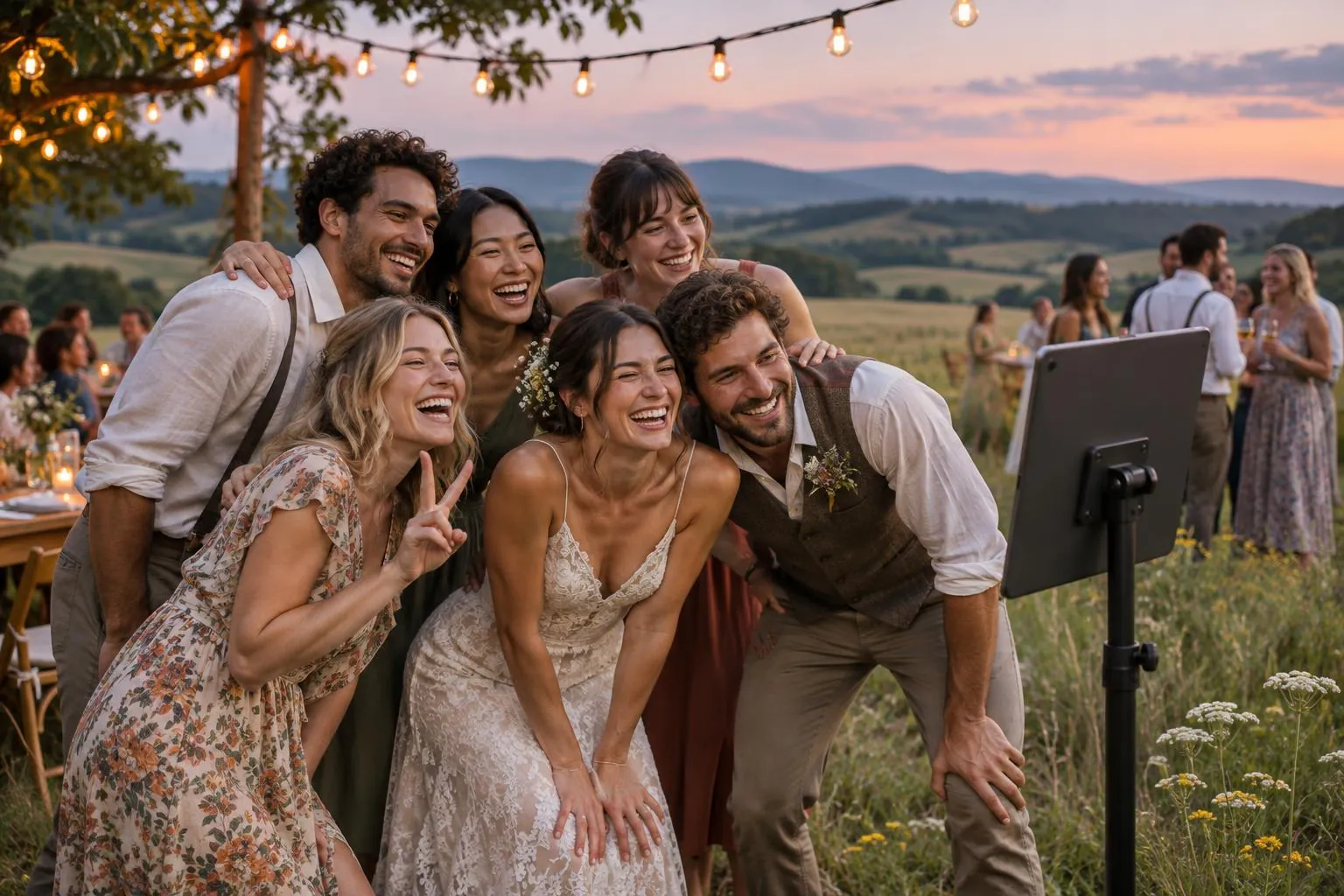
Mount a phone or tablet on the arm, start the countdown and step back. The turn comes back as a speed-ramped clip with your theme on it.
No credit card · First 15 captures free

A turn with a rhythm
Eight seconds of recording become about twelve: real speed as the arm sets off, slow motion through the middle, a quick finish.
A countdown you can walk away from
The 360 mode always counts at least five seconds, so whoever starts it has time to step off the platform.
Front or back camera
Choose the camera in the operator menu and lock the menu with a PIN, so nobody changes it in the middle of the event.
Built for the places platforms go
Car parks, marquees, exhibition halls: the clip is saved on the device first and uploads when there is a connection.
How it goes
Mount and frame
Fix the device on the arm, open the booth and check that heads and raised arms stay in the picture.
Start and step back
Tap, let the countdown run and set the arm turning.
Scan and share
The clip is prepared in a few seconds and the QR code is on the screen.
Questions
Which platforms does it work with?+
Any platform whose arm can carry a phone or a small tablet. The booth does not control the motor; you start the arm as you always do.
Is there music on the clip?+
No. The 360 clip is silent, so guests can add their own sound when they post it.
Can the same event offer photos too?+
Yes. An event can offer any mix of the six capture modes, and all of them land in the same gallery.
More ways to use SwanBooth

Put it on the arm and press start
A trial event is free. Switch the 360 mode on and take a test turn.
Try it free