A corporate event photo booth brief you can hand to your team
· 3 min read

A photo booth at a corporate event touches more people than it seems. Marketing wants the branding right, the venue wants to know about power, somebody has to stand beside it, and somebody will be asked for the results on Monday. A one-page brief keeps them all pointing the same way. Copy the six sections below, fill them in and send the page round a week before the event.
The goal, in one sentence
Decide what the booth is for, because everything else follows from it. There are three usual answers.
- Fun: give colleagues a good evening and pictures to remember it by
- Reach: put branded pictures on guests' phones, where they get shared
- Contacts: come home with a list of people who agreed to hear from you
Pick one as the main goal and write it at the top. A staff party does not need a contact list. A trade stand probably does.
Branding
Agree the design before the event, not at the venue. The brief should state the event's name and date, the line of text that will appear on every picture, the logo file and the person who signs it off. In SwanBooth the templates carry your own words, and a paid event can carry your logo too. Take a test capture and circulate it: people respond to a real picture faster than to a description. Note which capture modes are on; one you do not need is better switched off.
Stations
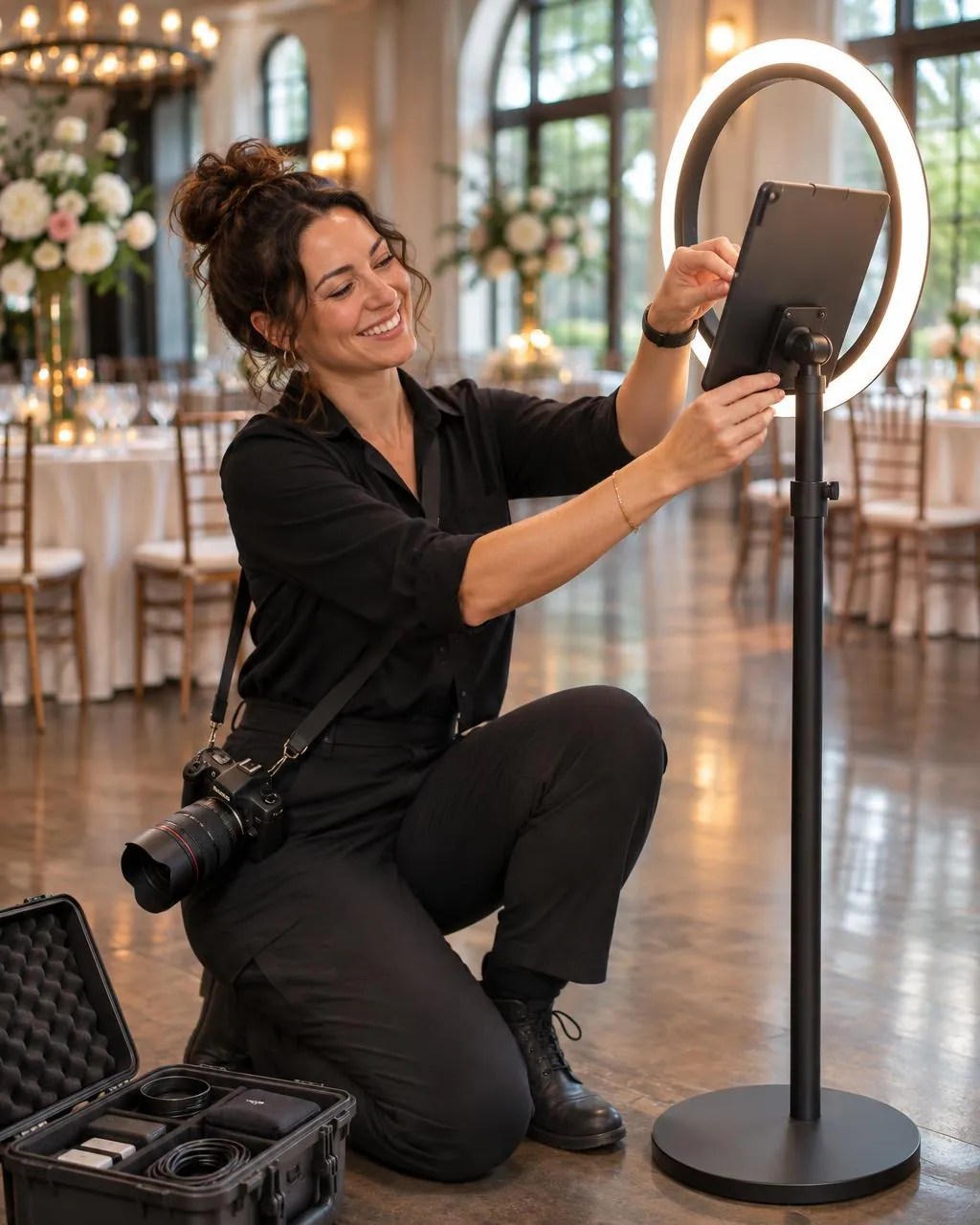
Say how many devices there will be and where. Any iPad, iPhone or Android device can be a station, with nothing to install: open swanbooth.com/booth in the browser and type the event's six-letter code. Several devices can run the same event with the same code, and all of them feed one gallery. For each station, list the following.
- Where it stands and whom it serves: registration, the exhibition stand, the evening reception
- The device, its stand, its light and the nearest power socket
- The connection: captures are saved on the device first and upload when a connection returns, so a crowded network delays pictures without losing them
- The printer, if there is one: 4×6 prints need AirPrint or a system printer that the device can reach
Enter the code on every device before you travel, while the connection is good.
Staffing
Name one person per station per shift, with a phone number. Their job is to invite people in, keep the area tidy, watch the charger and answer the two questions guests always ask: how do I get my picture, and what happens to my address. The answer to the first is to scan the QR code or type an e-mail address. Protect the operator menu with a four-digit PIN and give the PIN only to the people named in the brief.
Contacts and consent
If contacts are a goal, write down the exact sentence staff will say and the wording of the sign beside the booth. Guests type an address to receive their photo, and each address carries the guest's own marketing-consent tick. State who receives the CSV export afterwards and what they may do with it: only ticked addresses go into any follow-up. Name one person who can hide or delete a capture when a guest asks.
What to report afterwards
Agree the report in advance. Everything in it comes from three things the organiser can open or download: the event gallery, the ZIP of all captures and the CSV of addresses.
- 1The number of captures, counted from the ZIP
- 2The number of e-mail addresses, and how many of them carry the marketing tick
- 3A handful of the best pictures, chosen by a person, for the internal newsletter
- 4When the gallery link was shared, and with whom
- 5What went wrong at each station, and what to change next time
A brief like this takes twenty minutes to write and saves far more than that on the day. Hand it round, take the test shot, and let the booth do the easy part.