How to run a 360 photo booth with a phone or tablet
· 3 min read

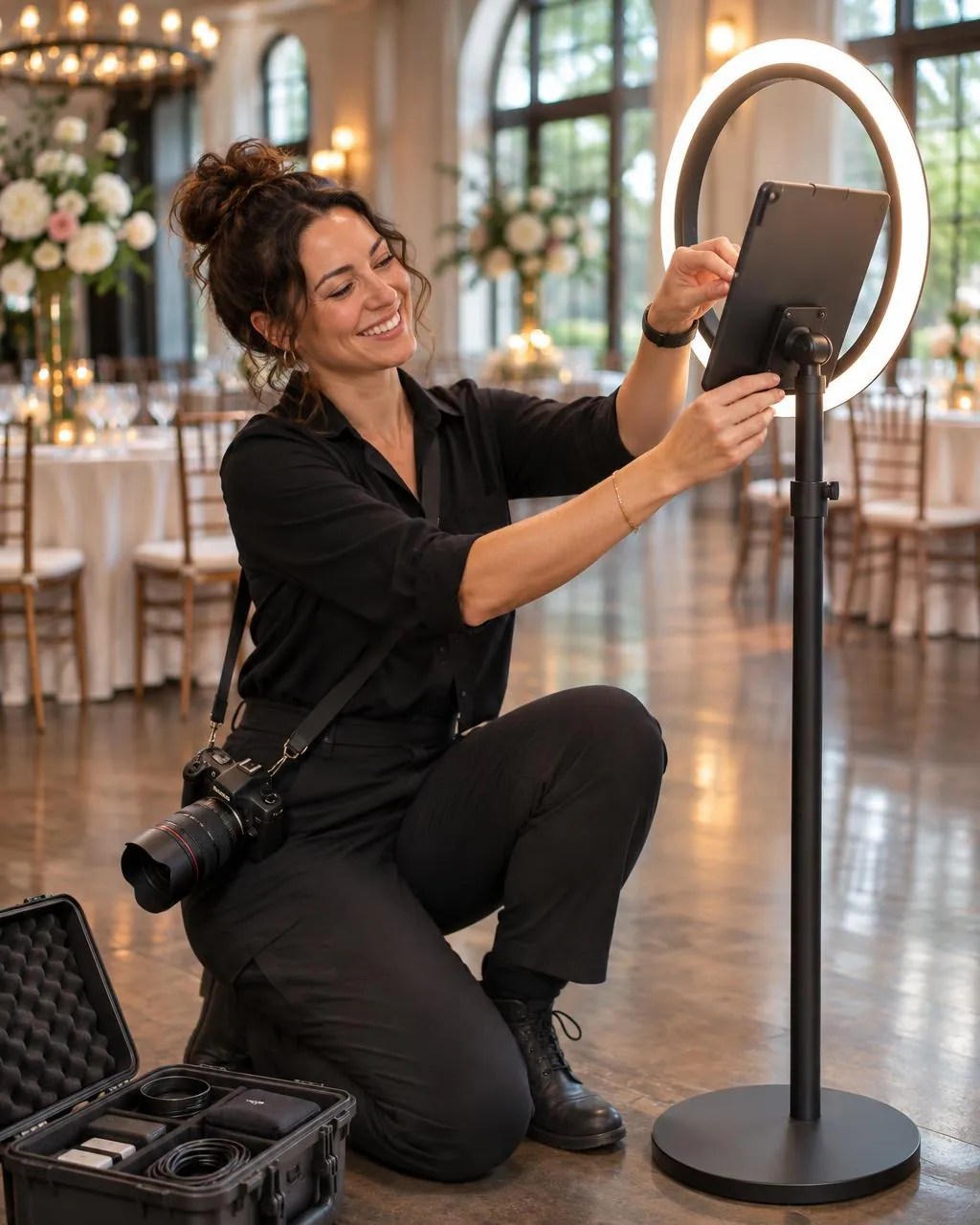
A 360 booth is a low round platform that guests stand on while an arm carries a camera in a circle around them. The result is a short clip that sweeps round the group as they move. The kit is simple, and the camera can be the phone in your pocket. Here is how to set one up and run it safely.
What you need
- A spinner platform with an arm, motorised or turned by hand
- A phone or small tablet, fully charged, in the mount at the end of the arm
- A light on the arm, so that it always faces the guests
- A clear circle roughly three metres across, on a flat floor
- A barrier, a rope or tape on the floor, so that nobody walks into the arm
A phone is usually the better choice, because a light load keeps the arm steady. The booth records at the best frame rate the device's camera offers, so a newer device gives a smoother clip. Tighten the mount, then tug it. Whatever is loose at rest will fly at speed.
Set the speed of the arm
Slow and steady beats fast. A quick arm blurs the background, shakes the device and leaves guests no time to do anything. Aim for a pace at which the camera passes each face calmly, and keep it even from start to finish. If you turn the arm by hand, walk it round; do not push it and let go.
Switch the 360 mode on, then count down
In SwanBooth, 360 is a capture mode that the organiser switches on for the event. On the day, open swanbooth.com/booth on the device and type the event's six-letter code. There is nothing to install. Choose the front or the back camera in the booth's operator menu, which can be protected with a four-digit PIN, and then fix the device to the arm.
The countdown before a 360 clip is at least five seconds, so whoever starts it has time to step back out of the arm's path. The booth then records eight seconds and plays them back along a speed curve: real speed at the start, slow motion through the middle of the turn and a quick finish, about twelve seconds in all. The clip is silent.
What guests should do in eight seconds
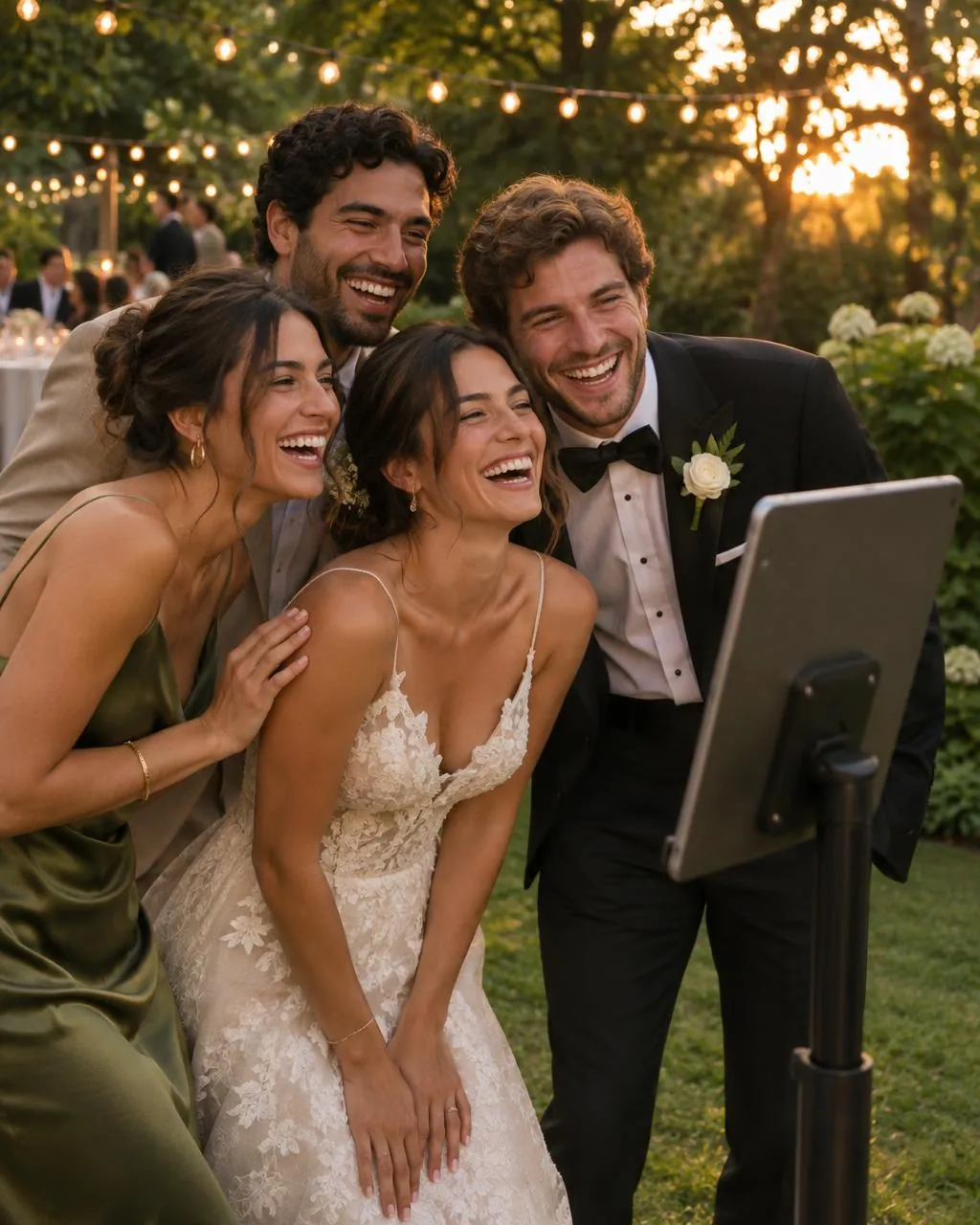
Eight seconds is short, and the middle of it is slowed down. Big, slow movements read well. Small, fast ones disappear. Tell each group what to do before they step up.
- Throw confetti high into the air
- Flip long hair or swing a scarf
- Raise glasses slowly and bring them together
Ask guests to keep their feet still and move from the waist up. The camera is doing the travelling for them.
Safety at the platform
A moving arm in a room full of people needs somebody in charge. Put one operator at the platform for the whole session and give them a few firm rules.
- Limit how many people stand on the platform, and never go over the maker's limit
- Bags, coats and spare glasses stay outside the circle
- Children's hands stay away from the arm, and children go on only with an adult
- Nobody steps on or off until the arm has stopped
Sharing by QR code
After the recording, the clip takes a few seconds to prepare, about as long as the clip itself, and then a QR code appears on the result screen. Stop the arm beside the queue, so that guests can scan the code without stepping over the barrier. The clip is saved on the device first and uploads when there is a connection, so a weak signal does not stop the booth. It can also be sent by e-mail, and it joins the event's gallery.
A steady arm, good light, one clear instruction and one person in charge. Get those four right and the platform will have a queue all evening.